About the Abyss look
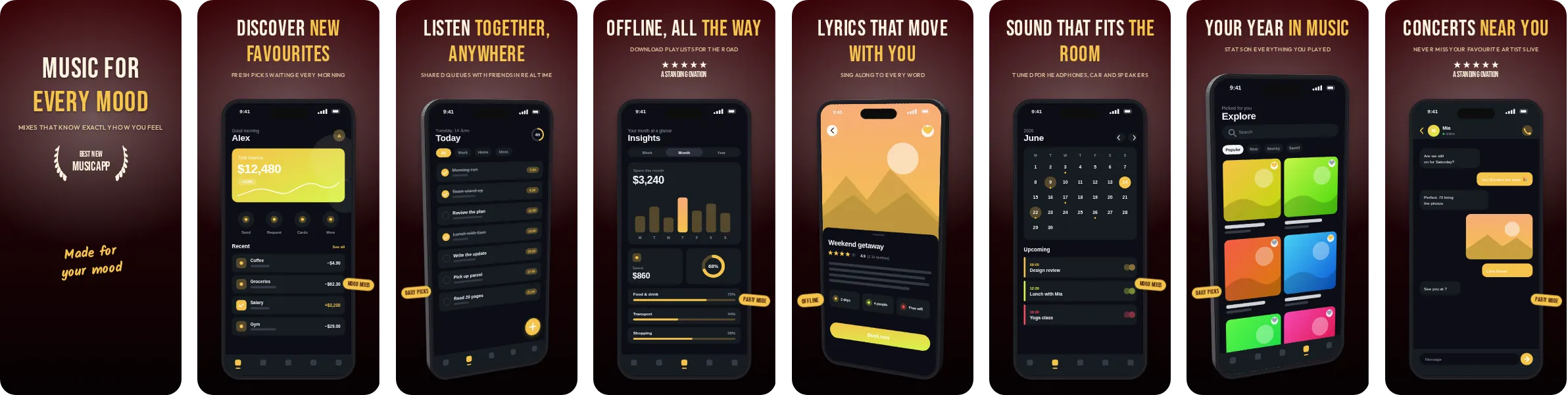
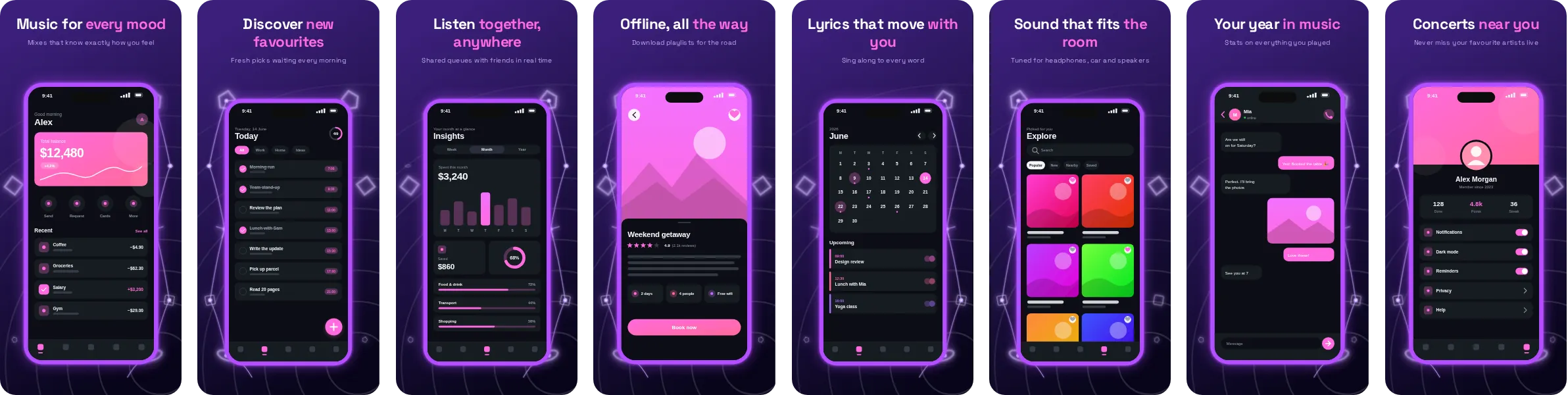
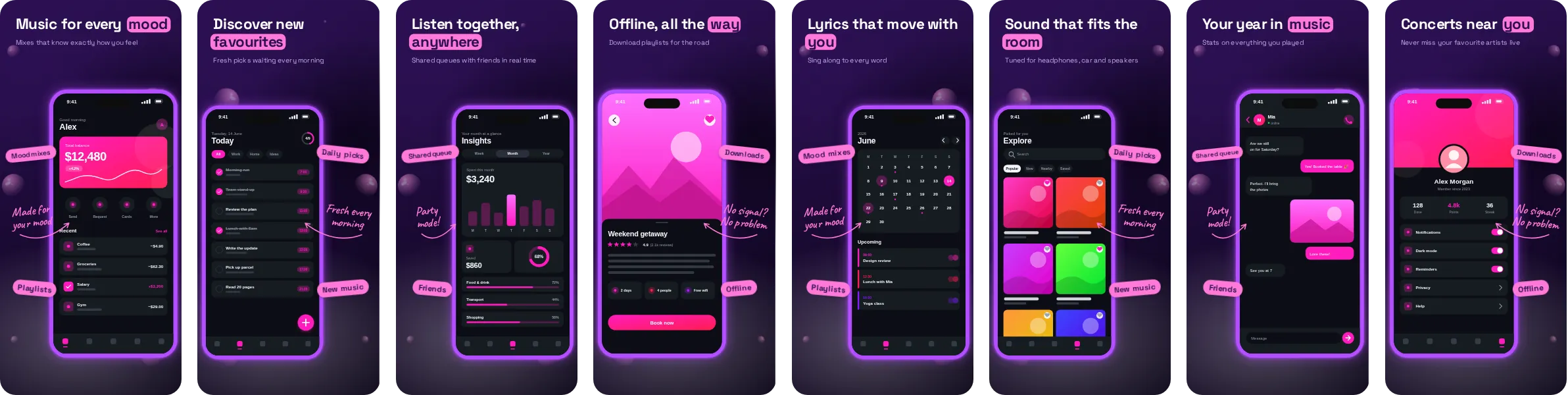
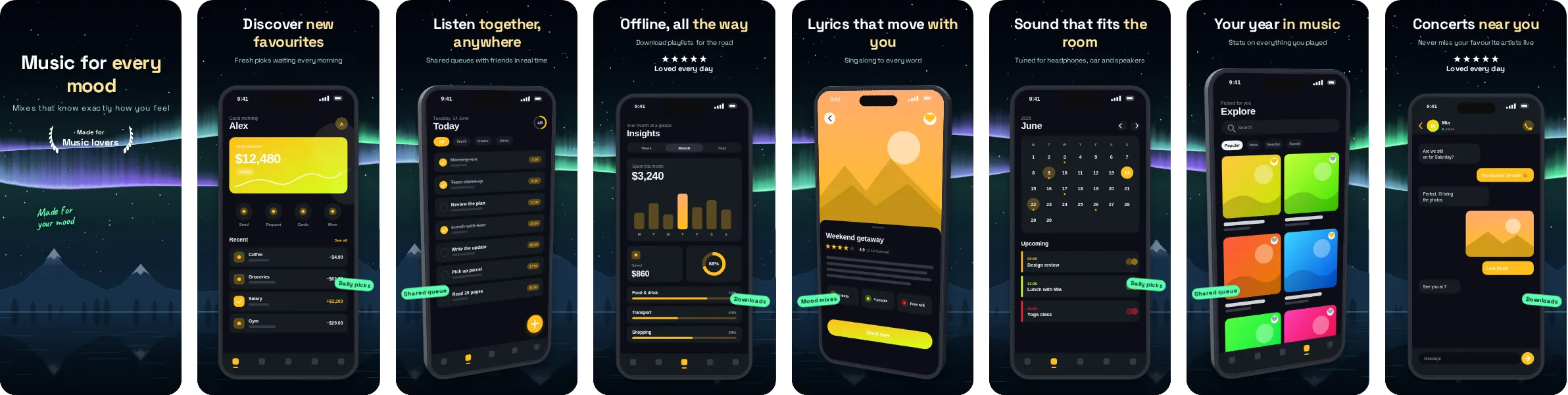
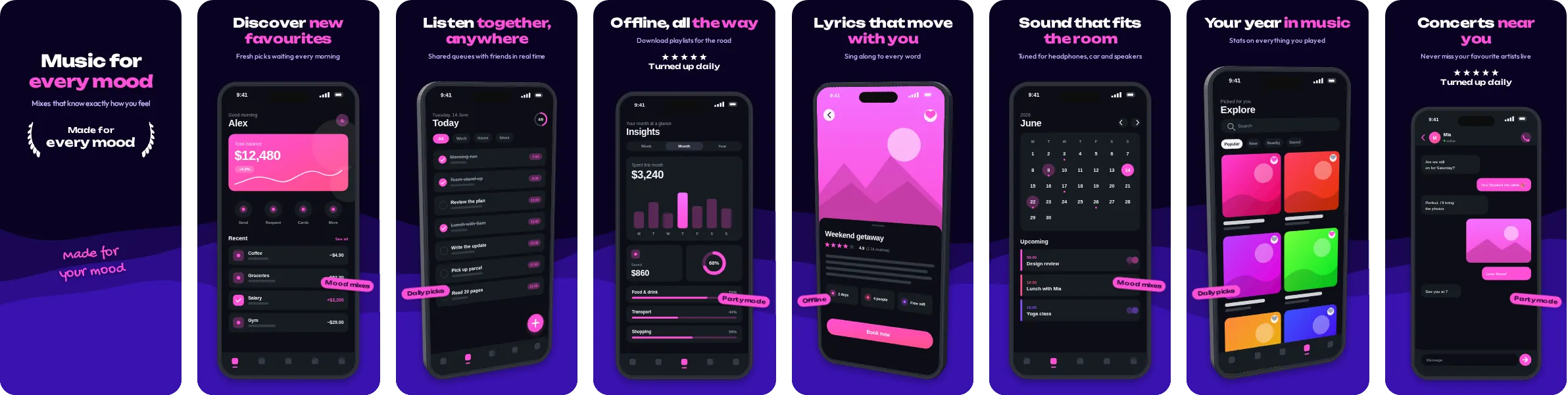
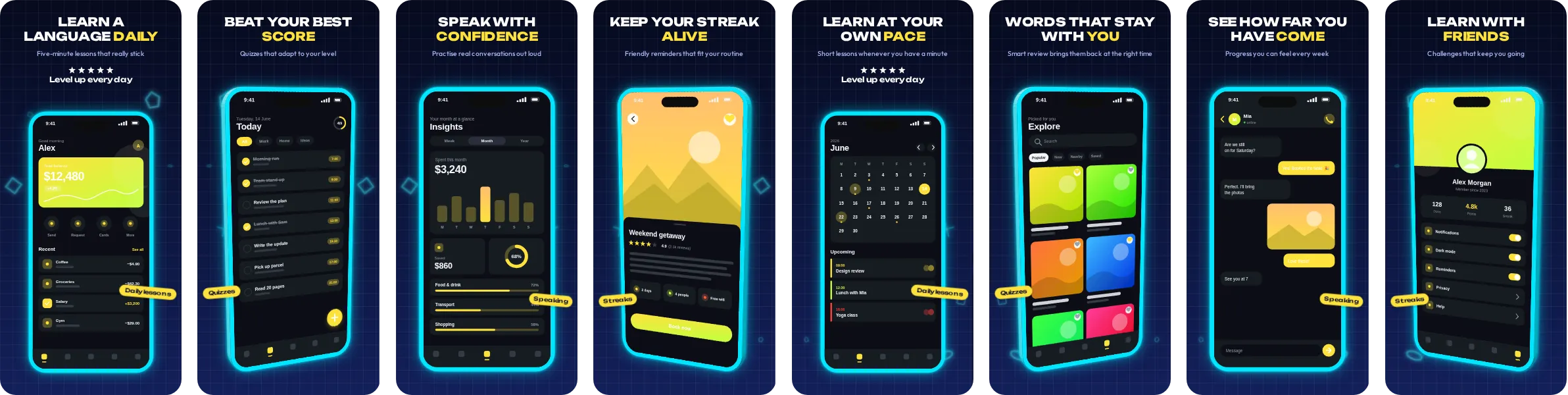
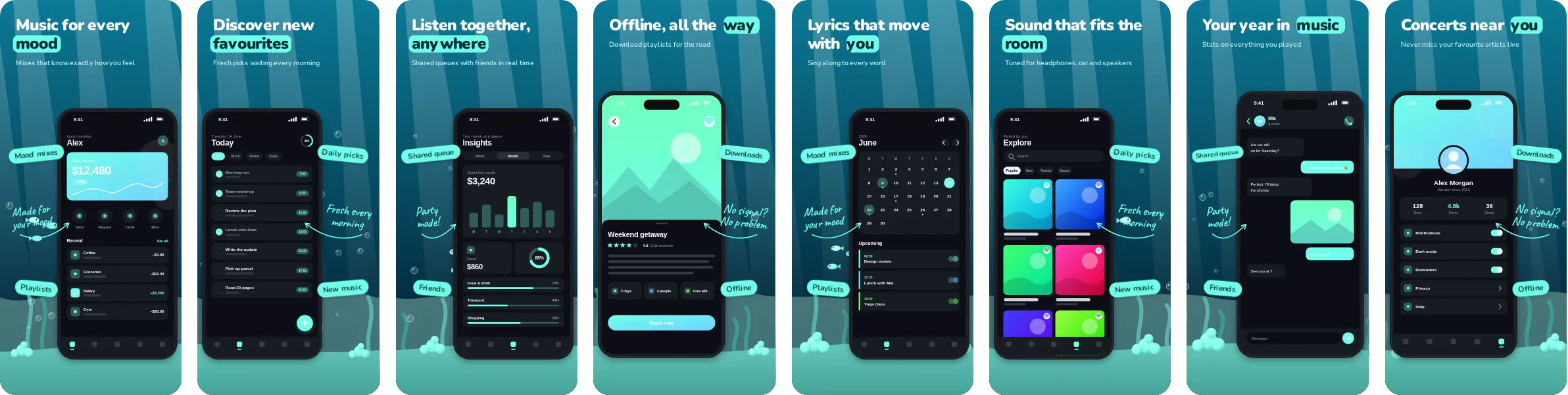
Start from Abyss when you want a dark set with a clear teal accent. The dark backdrop keeps attention on the screenshot itself, while the accent colour guides the eye to the headline and the key UI element on each slide.
In Abyss, the headlines are set in Nunito, a friendly rounded sans-serif that feels approachable. Each of the 8 slides pairs a short headline with a phone mockup, and you can change the wording, the screenshots and the colours in the editor before exporting.
We use music, audio and podcast apps as the sample wording for Abyss, because the layout handles players, playlists and waveforms well and suits a message built on energy and mood. Nothing is locked to that category, and you can switch the sample text to match any app.