Send to the stores
Finished here. Live in both stores.
Connect App Store Connect or Google Play once. After that, every update is a few clicks: pick the app, check the list, send.
Every language and size, in one go
Screentrino uploads each language and device size in your slide order, then checks every file arrived intact.
Google Play never left half-done
All images go up as one draft. It's only saved if every one of them made it, so a failed upload can't leave a mixed listing.
Clears out old sizes
Optionally remove App Store sizes you no longer make, so old screenshots don't linger next to new ones.
Your keys never leave your device. Your App Store Connect or Google Play key is locked inside your browser, where nobody can read it back, including us. It only creates short-lived access tokens for each upload. How it works
Included with every paid plan, even the £6.99 export pass. See plans
What's inside
Everything a listing needs. Nothing it doesn't.
Built only for store screenshots, so the tools that matter are one tap away instead of buried in a general-purpose design app.
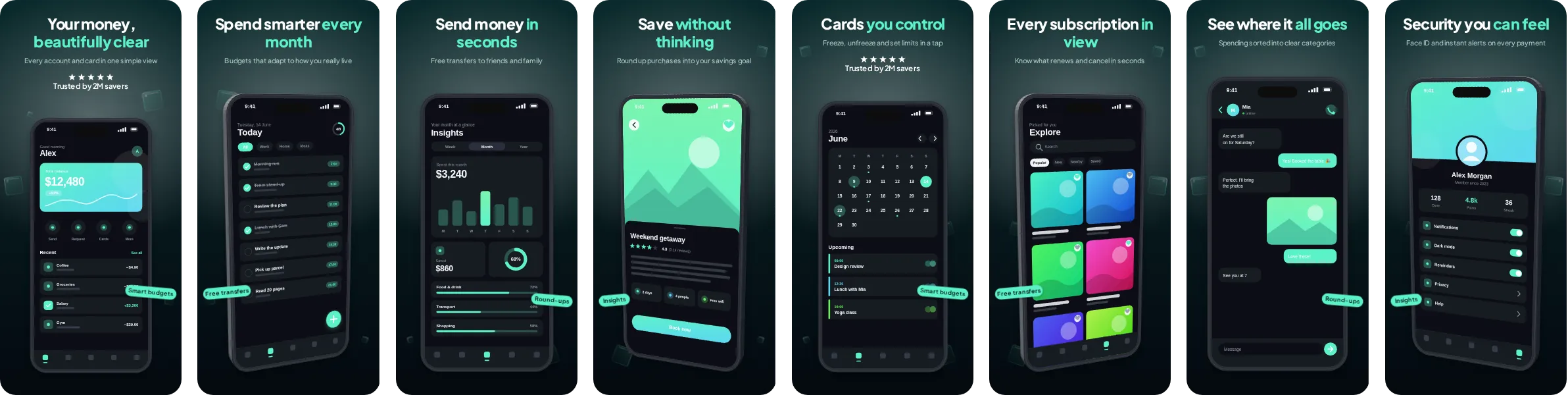
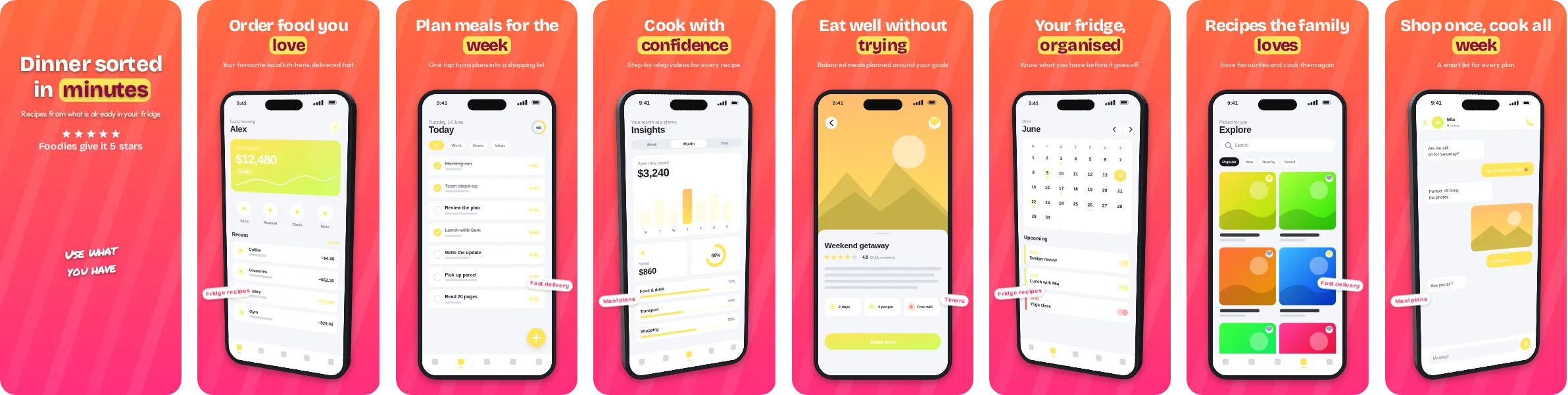
Templates
79 looks. Each one a whole set.
Headlines, notes, stickers, spotlights and device angles that work together across every slide. Pick one, drop in your screenshots, and the set builds itself.
How it works
Four steps. One afternoon.
Capture
Drop in the raw screenshots from your app, one set per device size.
Style and write
Pick a template and make it yours. Write the headlines yourself or let AI draft them.
Translate
Add the languages you sell in. Every slide is translated, and you can fix any line by hand.
Send
Upload everything to App Store Connect and Google Play, or download a ZIP if you prefer.
Pricing
Style for free. Pay only to export.
Every template, background and layout is free to try, and so is Write with AI. You only pay when you're ready to download or send to the stores.
Export pass
£6.99
Unlimited exports for 7 days. Ideal for a single launch or update.
✓ Sends to App Store Connect & Google Play
Get a passMonthly
£9.99 /mo
For apps that ship updates often and need fresh screenshots regularly.
✓ Sends to App Store Connect & Google Play
Start monthlyAnnual
£69 /yr
Best value if you update your listings more than a few times a year.
✓ Sends to App Store Connect & Google Play
Start annualFull refund within 14 days if you haven't exported or uploaded without the watermark.
What is Screentrino?
Screentrino turns raw phone screenshots into polished App Store and Google Play screenshots, helps you write and translate the text, and sends the finished set straight to App Store Connect and Google Play, all from your browser.
Can Screentrino upload to App Store Connect and Google Play?
Yes. Add your App Store Connect API key or Google Play service account once, pick your app, and Screentrino uploads every language and size in your slide order. On Google Play everything goes up as one draft that's only saved if every image made it. Uploading is included with every paid plan, including the export pass. The support page covers setup.
Do I need design skills to use it?
No. Templates handle the layout, and Write with AI can draft your headlines from a short description or your store link. You capture, adjust and export without design experience.
Which languages can it translate into?
25, including German, Spanish, French, Japanese, Korean, both Simplified and Traditional Chinese, Arabic and Ukrainian. Headlines, subtitles, notes, stickers and badges are all translated, and you can export or upload every language at once.
What sizes does Screentrino export?
Correctly sized, alpha-free PNGs for every listed device size on the App Store and Google Play, exported together as a ready-to-upload ZIP or sent straight to the stores.
How much does Screentrino cost?
Styling, previewing and AI writing are free. An export pass unlocks unlimited downloads and store uploads for 7 days at £6.99, or subscribe monthly at £9.99 or annually at £69 if you update your screenshots often. Full refund within 14 days if you haven't exported or uploaded without the watermark.
How is Screentrino different to Canva or AppScreens?
Screentrino is built only for store screenshots: correct device sizes, per-device captures, translation and direct upload to both stores, rather than a general design tool adapted to the job. See how it compares to AppScreens and to App Launchpad.
Is my data private?
Screenshots are styled in your browser, and your saved projects sync to your account. When you use AI writing or translation, the text and, if you choose, smaller copies of your screenshots are sent to our AI provider to do the work. App Store Connect and Google Play keys stay locked in your browser and are never sent to us. See our privacy policy.