About the Kindle look
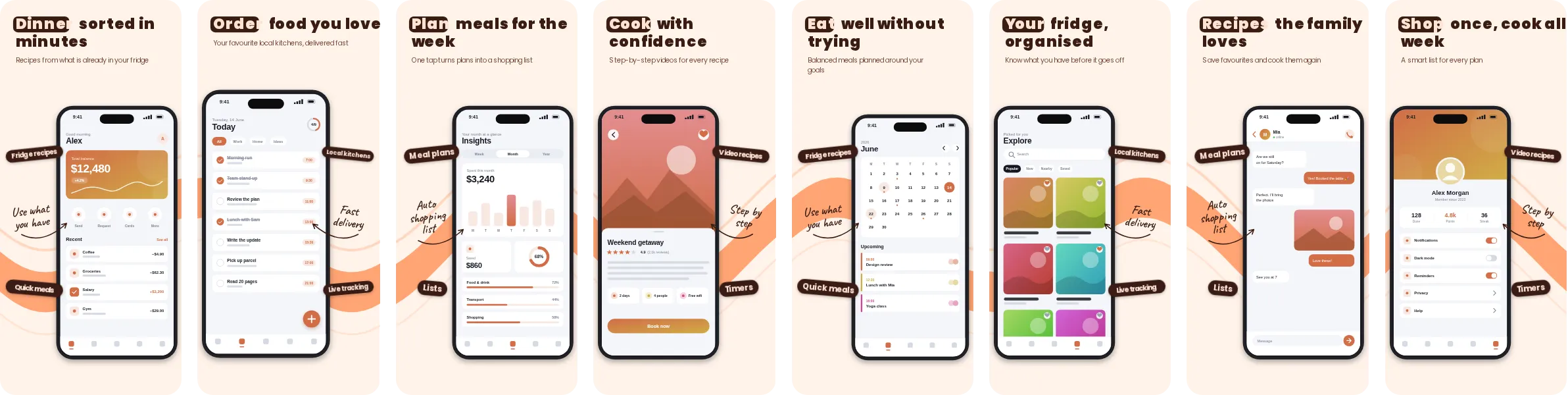
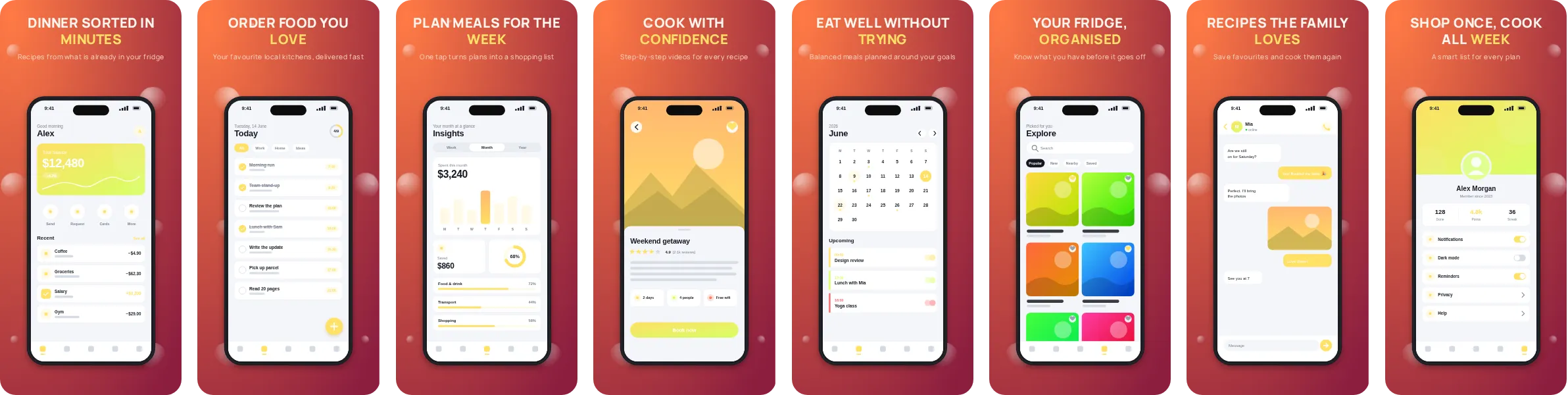
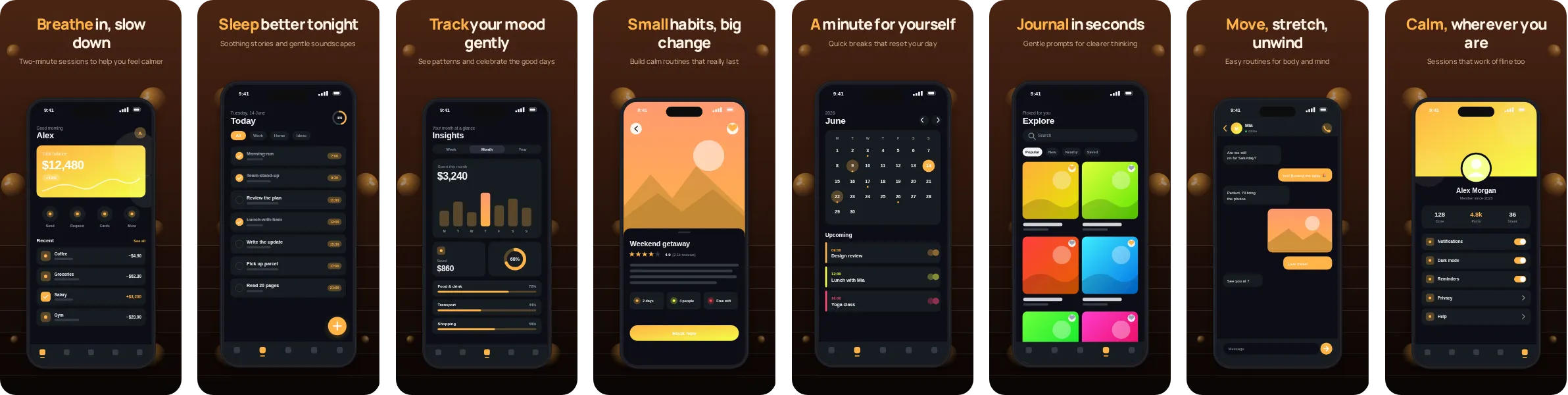
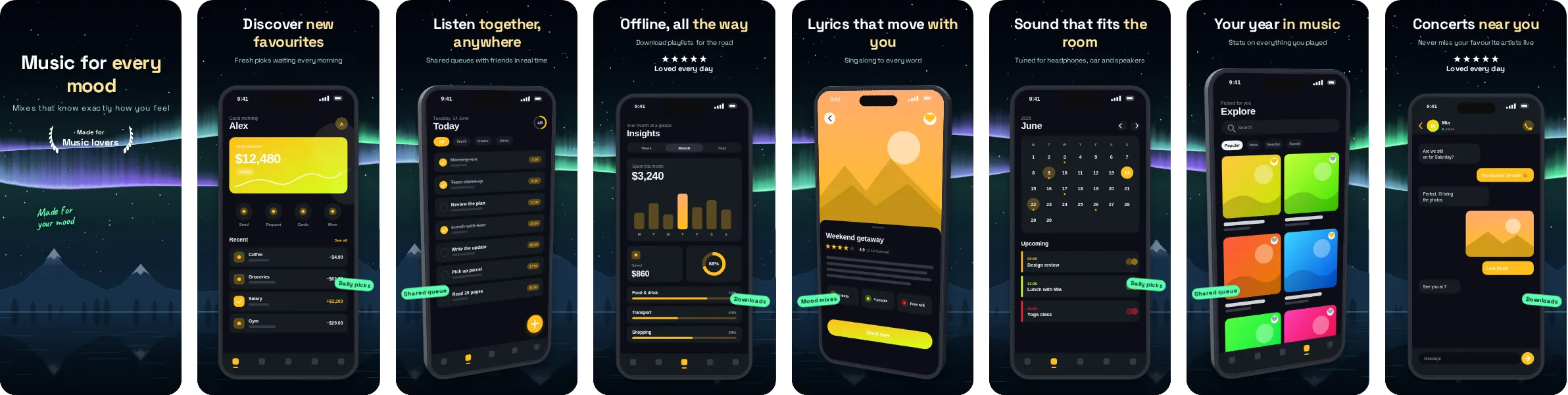
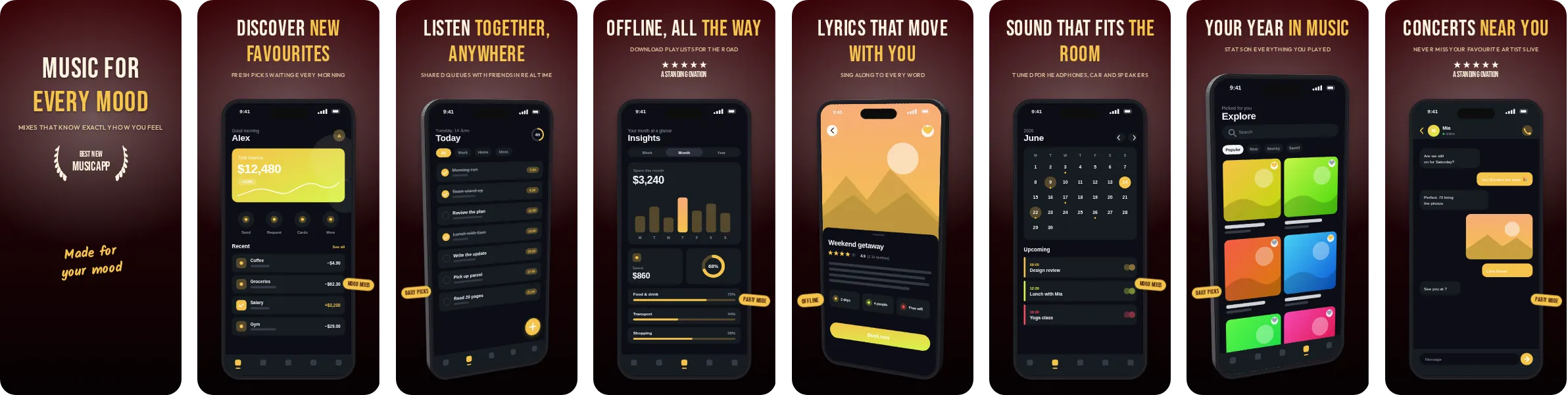
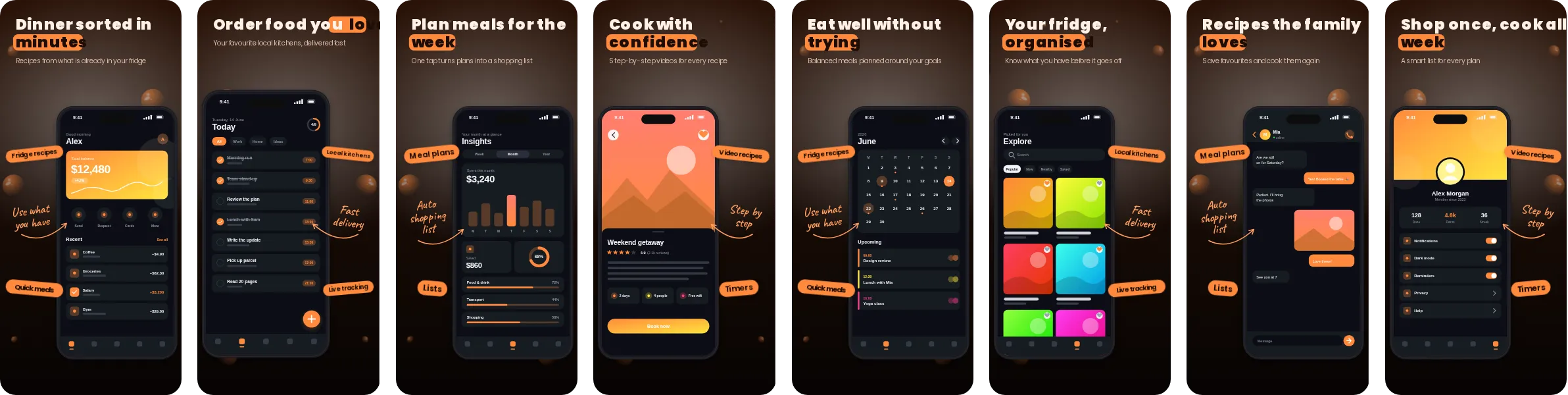
Start from Kindle when you want a dark set with a clear orange accent. The dark backdrop keeps attention on the screenshot itself, while the accent colour guides the eye to the headline and the key UI element on each slide.
Typography in Kindle comes from Poppins, soft, rounded letterforms that keep the tone warm. The set has 8 slides, each with its own headline, so you can tell the story of your app in order: the main benefit first, then the features that back it up.
If you build food, recipe and delivery apps, Kindle shows recipe cards, menus and order flows clearly and supports a message about appetite and ease. Other kinds of app work too; open it in Screentrino and see how your own screens look.