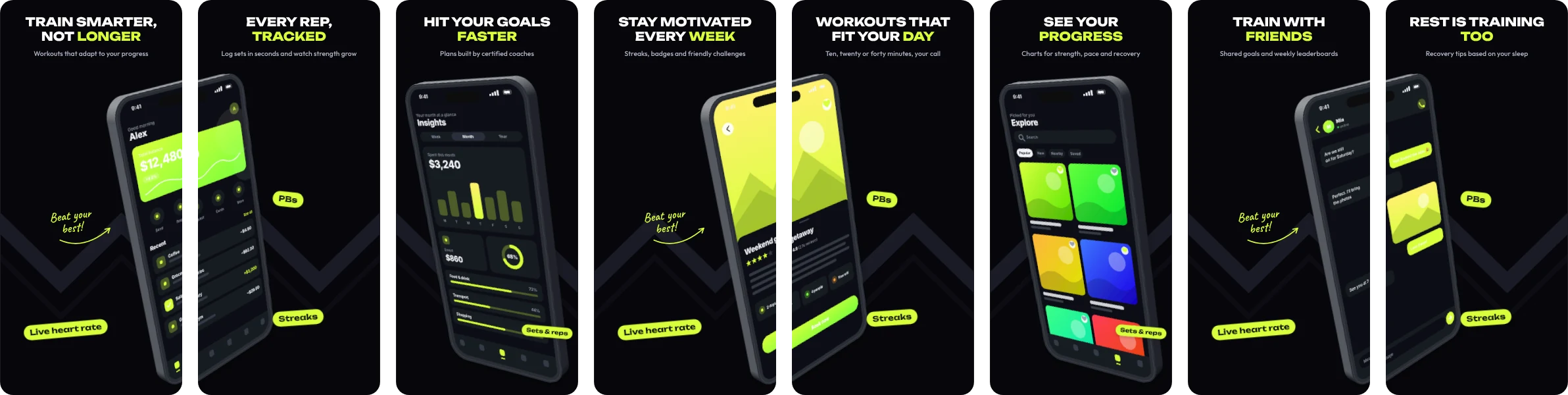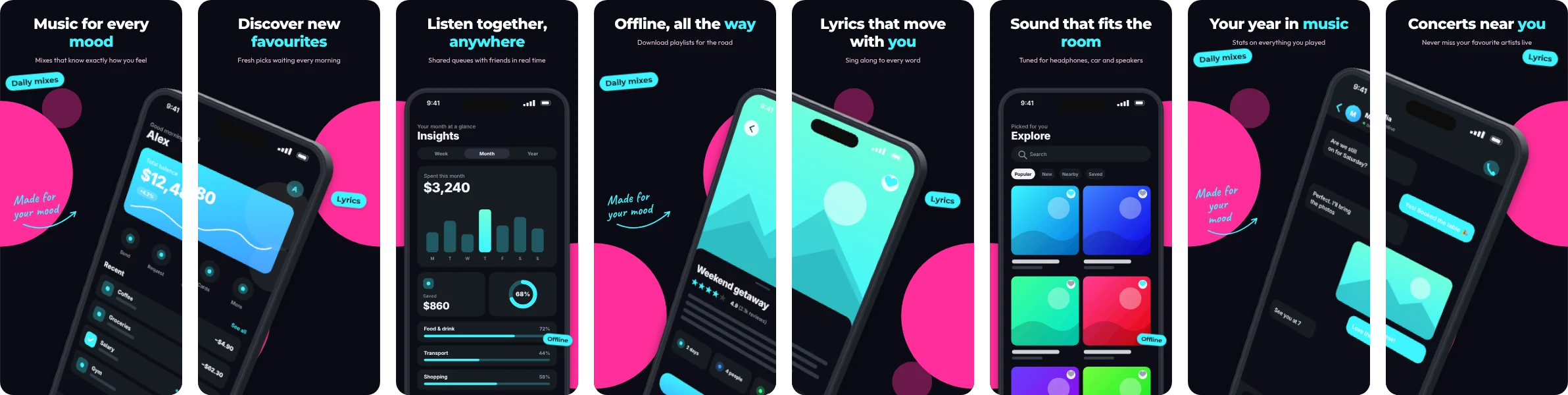
About the Horizon look
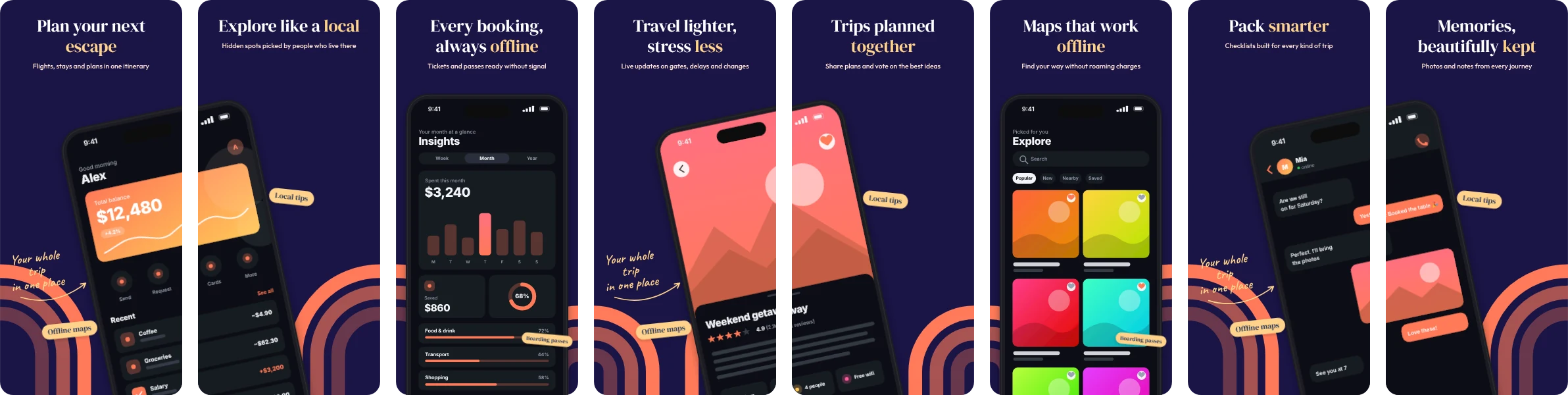
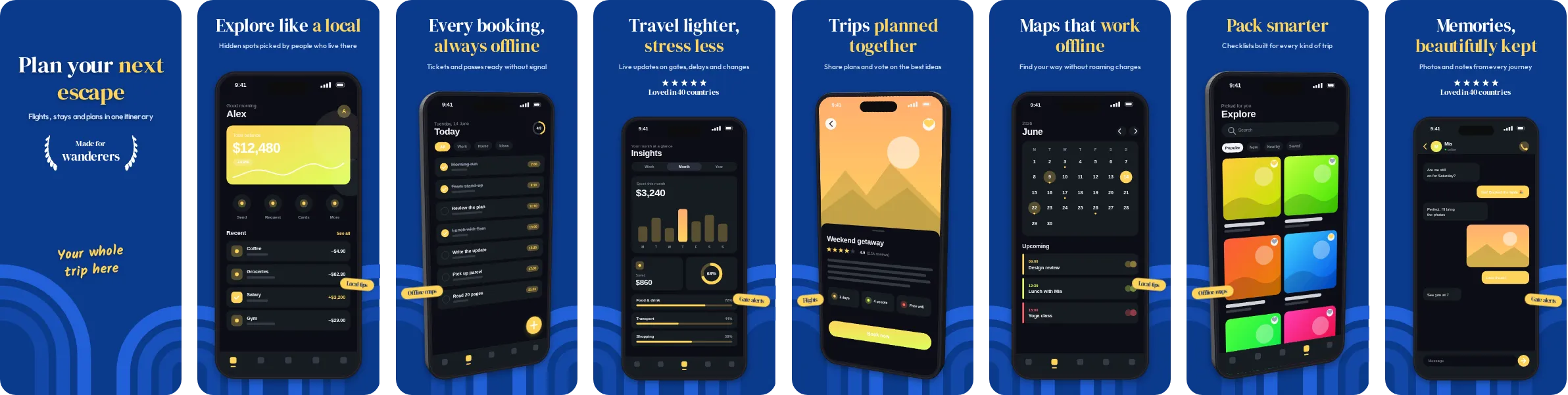
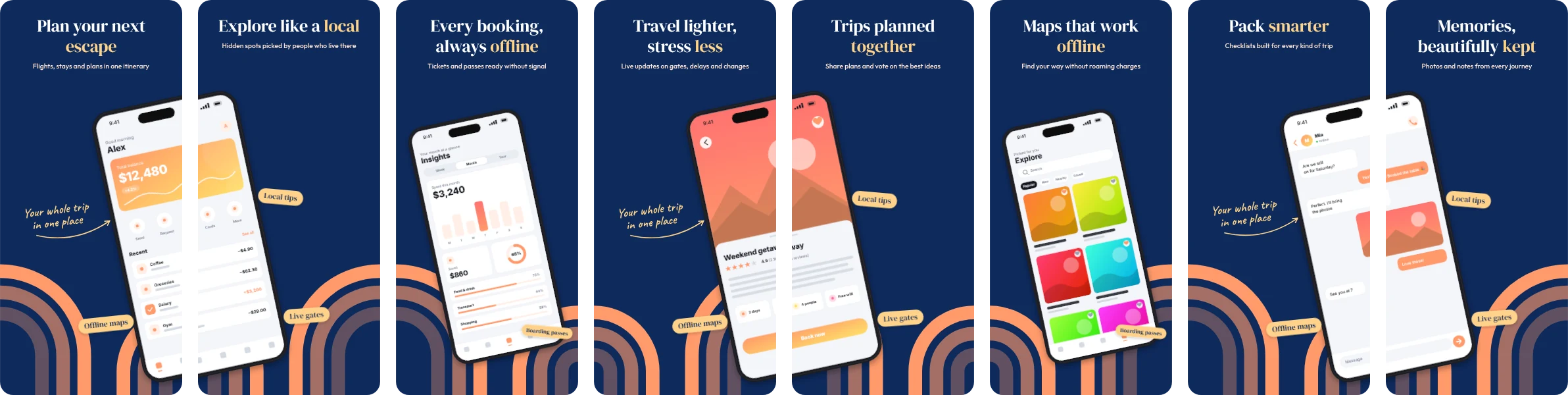
Horizon is built for the first screenshots of your listing: a dark Panorama look in which the background and the phone run on from one slide into the next, with amber picking out the headline and key words.
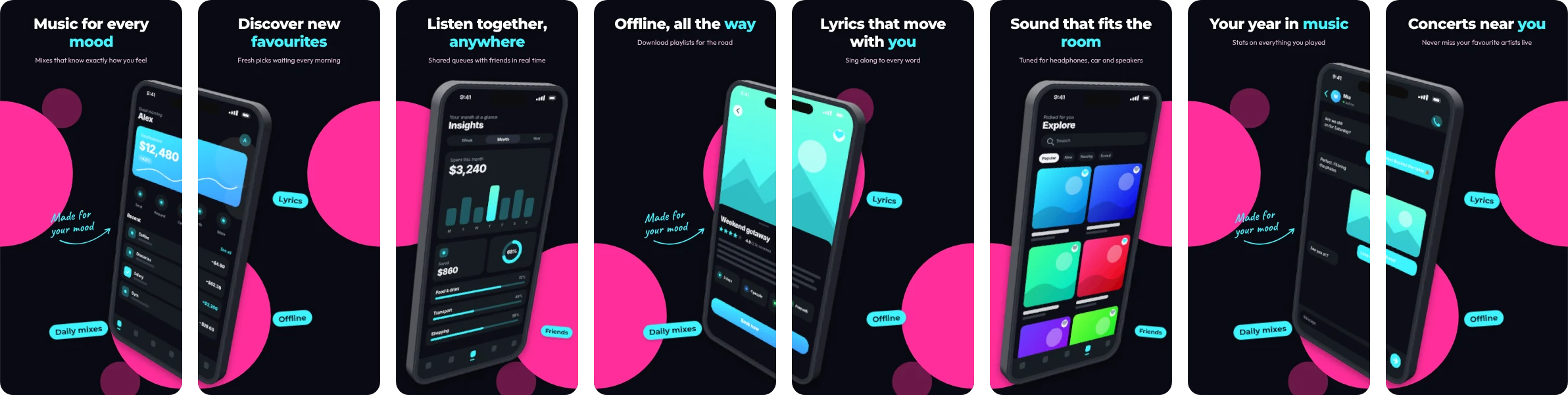
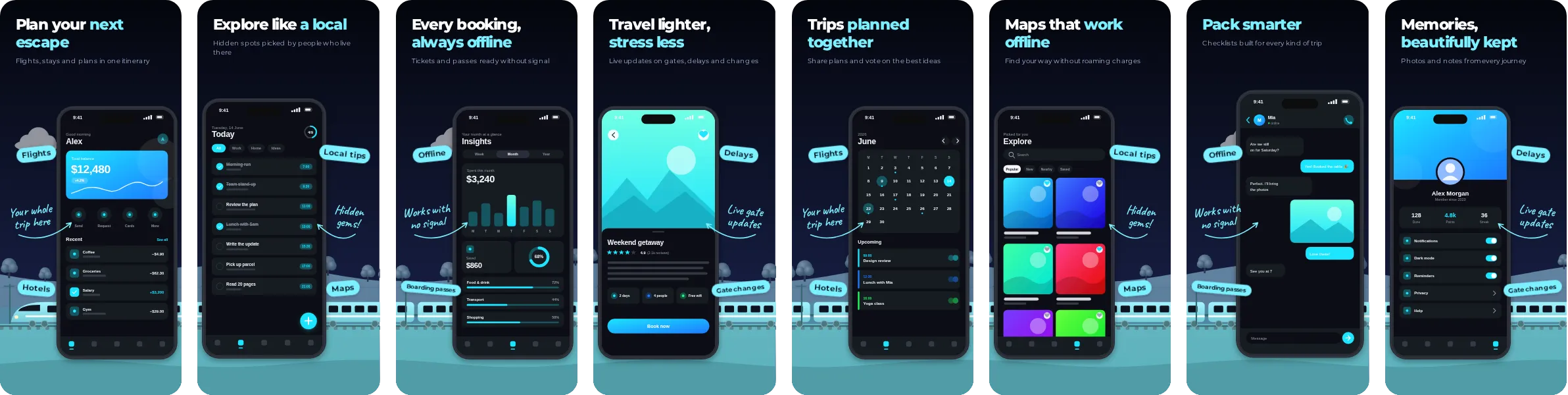
Typography comes from DM Serif Display, an editorial serif that gives headlines a printed, magazine feel. Add your screenshots and the set builds itself: a spread where one phone spans two slides, then single slides, then another spread. Rewrite any headline and change any colour in the editor.
The sample wording in Horizon is written for travel and booking apps, because the wide phone shows maps, itineraries and destination cards well and suits a message built on a sense of place. You can change the text to match any app.
How a Panorama set works
In Horizon, the phone from one slide continues into the next, and the background is drawn across both slides so the join disappears. The store still shows them as separate screenshots, but side by side in the listing they read as one wide picture, which is why Panorama suits the first two slides.
You do not draw anything by hand. Add your screenshots and Horizon places the spreads for you; you can still join or split any pair yourself in the editor.