Testing
Short answer
Apple’s product page optimization lets you test up to three alternate pages for up to 90 days. Google Play’s store listing experiments test up to two variants against your current listing. Change one thing at a time, and do not stop a test early.
In this post
Apple and Google Play at a glance
Both stores let you show an alternative listing to a share of real visitors and compare how many install the app. The two systems work differently, so check the limits before you plan a test.
| Apple (product page optimization) | Google Play (store listing experiments) | |
|---|---|---|
| What you can test | App icon, screenshots and app previews | Default graphics: icon, feature graphic and screenshots. Localised experiments: also descriptions |
| Alternatives | Up to 3 treatments against your original page | Up to 2 variants against your current listing |
| Tests at once | One test at a time | One default graphics experiment, or up to five localised experiments |
| Longest run | 90 days (or until you stop it) | Stops automatically after 6 months |
| Audience | You choose the percentage of visitors who see a treatment | You set an experiment audience percentage, split equally across variants |
| What it measures | Impressions, conversion rate, percentage improvement and confidence level | Unique user install clicks, open clicks or pre-registration clicks |
| Good to know | Treatments are shown on iOS and iPadOS 15 or later. You cannot change a test once it has started, and new metadata needs App Review approval | The app must be published and the listing fully rolled out. Google recommends testing one asset at a time |
How Apple’s test splits traffic
You decide what percentage of people see a treatment instead of your original page. Apple’s own example: if you allocate 40% of your traffic to a test with two treatments, each treatment gets 20% of your total traffic and the original page keeps the remaining 60%. People see the same treatment every time they visit during the test.
Results appear in App Analytics in App Store Connect. Apple’s duration estimate aims for an outcome with at least 90% confidence, and it recommends waiting until a treatment has been declared better or worse than the baseline at that level before you stop the test or apply a treatment. Applying a treatment while the test is running ends the test.
How Google Play’s experiments work
You choose either a default graphics experiment, which covers your default listing language, or localised experiments for specific languages. Visitors in your chosen audience are split equally across the variants. You can adjust the confidence level and the minimum detectable effect, which is the smallest difference needed to name a winner. A result can be a winning variant, a draw, or “more data needed.”
What to test in your screenshots
Good test ideas change one clear thing. These are our suggestions, not store rules:
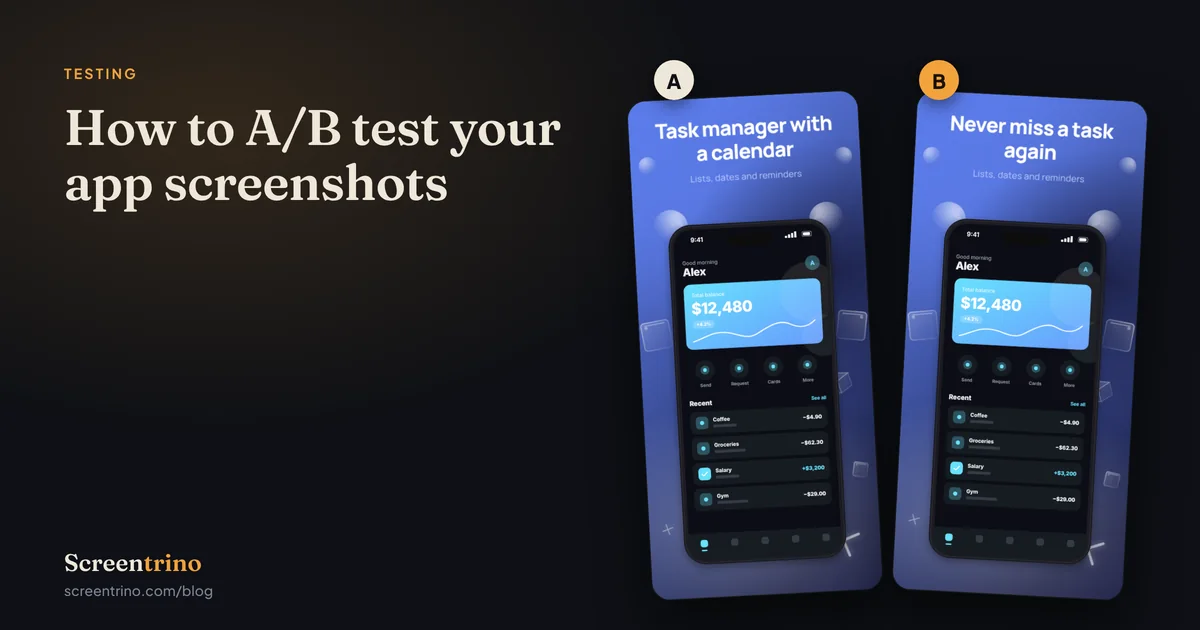
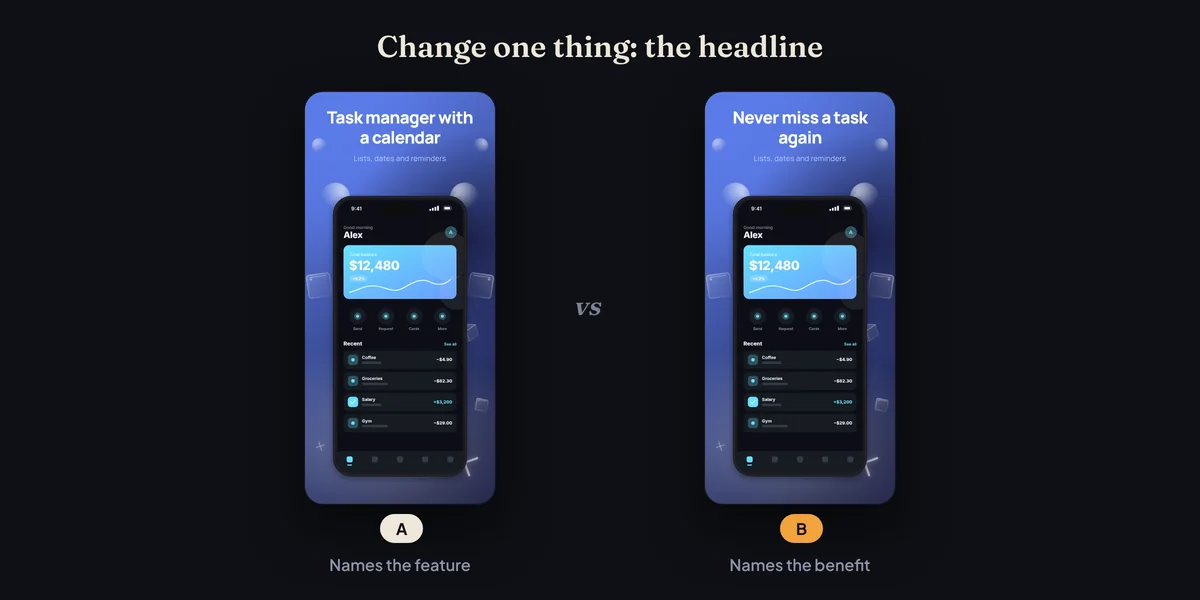
- The first slide’s headline. Benefit-led against feature-led wording.
- Light against dark. The same screens in a light and a dark look.
- With and without captions. Does the headline help, or does the screen speak for itself?
- Single slides against a panorama. A Panorama set against a standard one.
- Slide order. Which feature should come second?
Google recommends testing one asset at a time, and the same discipline applies to Apple. If you change the headline, the colours and the order together, a win tells you nothing about why.
Tips for a clean test
- Write a hypothesis first. “A benefit-led headline on slide 1 will raise conversion.” Then change only that.
- Do not stop early. Early results swing a lot. Wait for the store to tell you there is a result.
- Mind localisations on Apple. Each treatment can be localised in all of your app’s languages or a subset, and Apple notes that more localisations may lengthen the time needed for meaningful results.
- Keep the rest of the listing still. Do not change the title, price or icon in the middle of a screenshot test.
Making the variants quickly
The slow part of a screenshot test is usually producing the variants. In Screentrino you can load the same screenshots into a different look, change the headline wording, and export each version at every store size. Browse the templates to find a contrasting look, and check the size guide so every export meets the store rules.
Ready to build your own set? Pick a look, drop in your screenshots and export every store size.
Open ScreentrinoSources
- Apple: Product page optimization
- Google Play Console Help: Run store listing experiments
- Apple: App Store product page
Store rules and limits checked on 19 October 2026. Apple and Google change them from time to time, so check the linked pages for the latest.
Keep reading
7 App Store screenshot mistakes (and how to fix each one)
Seven common App Store and Google Play screenshot mistakes, from wasted first slides to tiny captions, with a practical fix for each one.
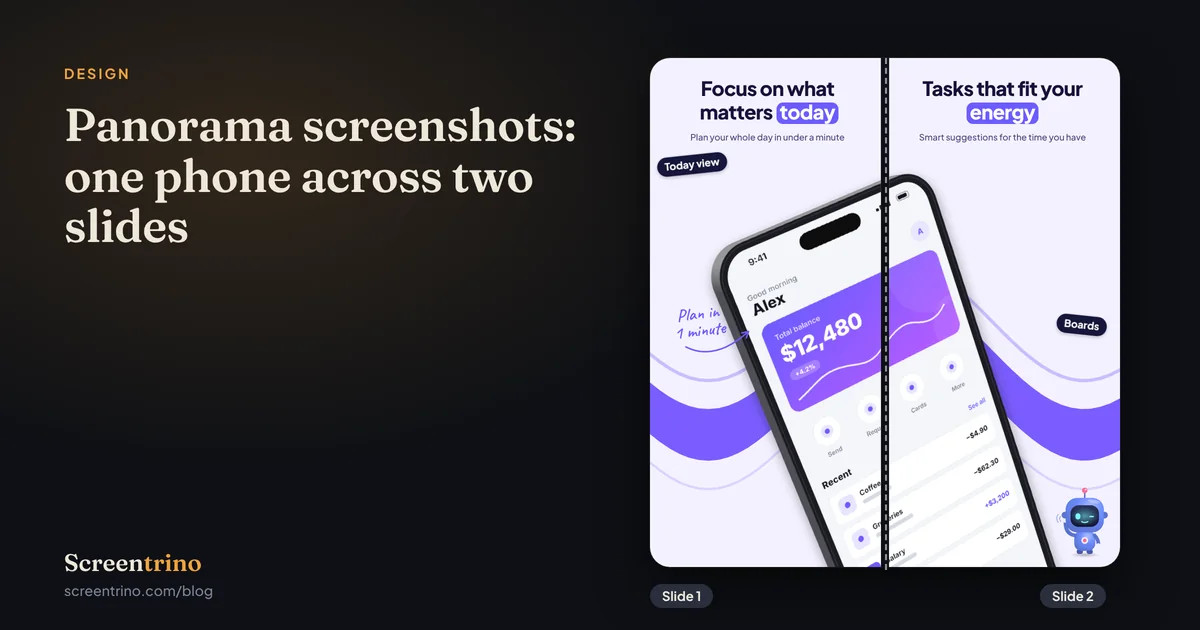
Panorama screenshots: how one phone can span two App Store slides
What a Panorama screenshot set is, when it works, the mistakes to avoid, and 16 ready-made Panorama templates you can edit in Screentrino.