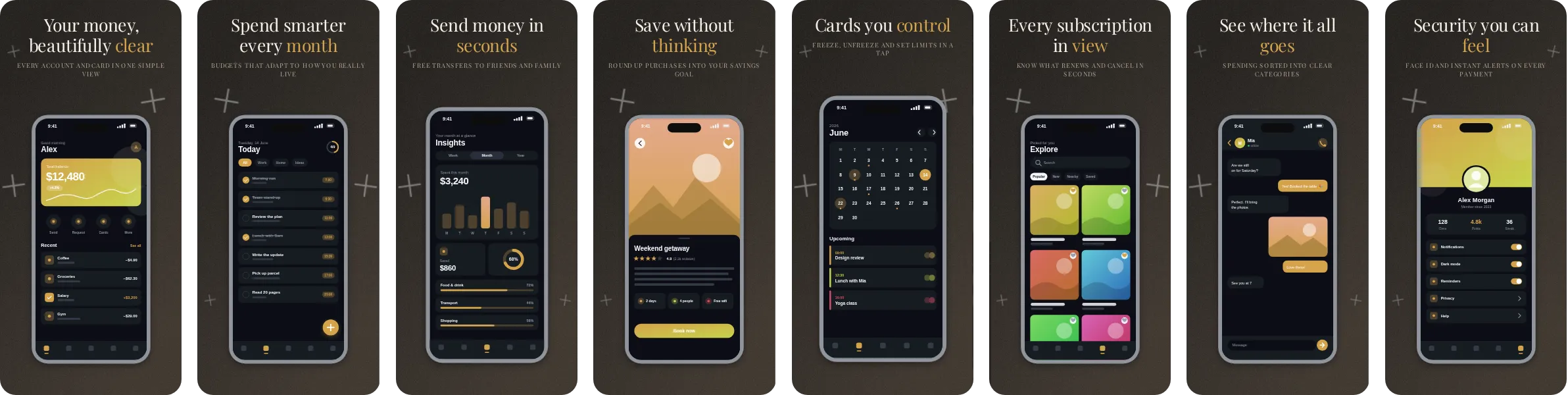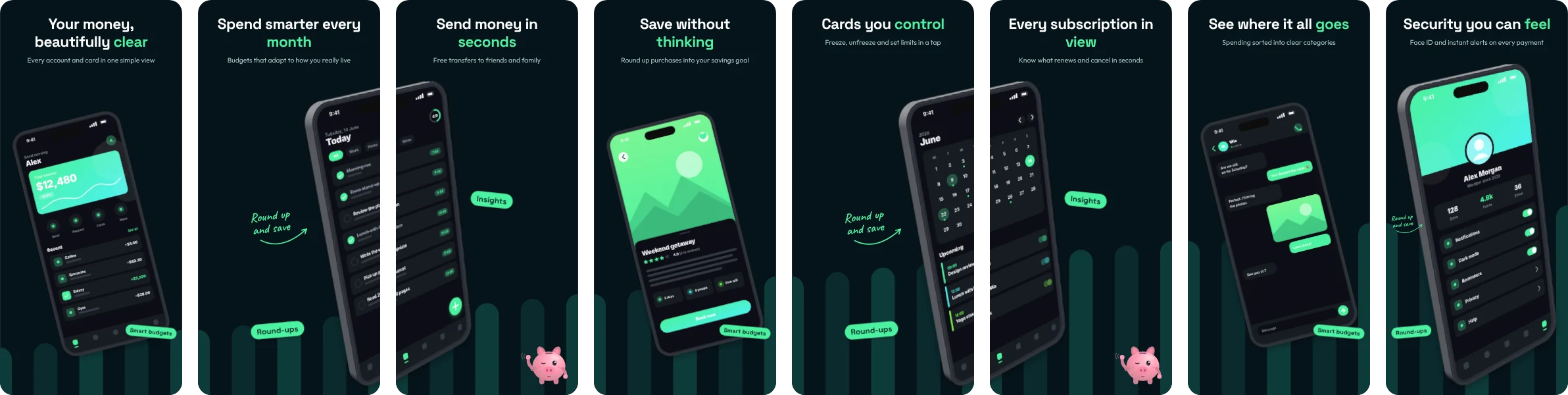
About the Growth look
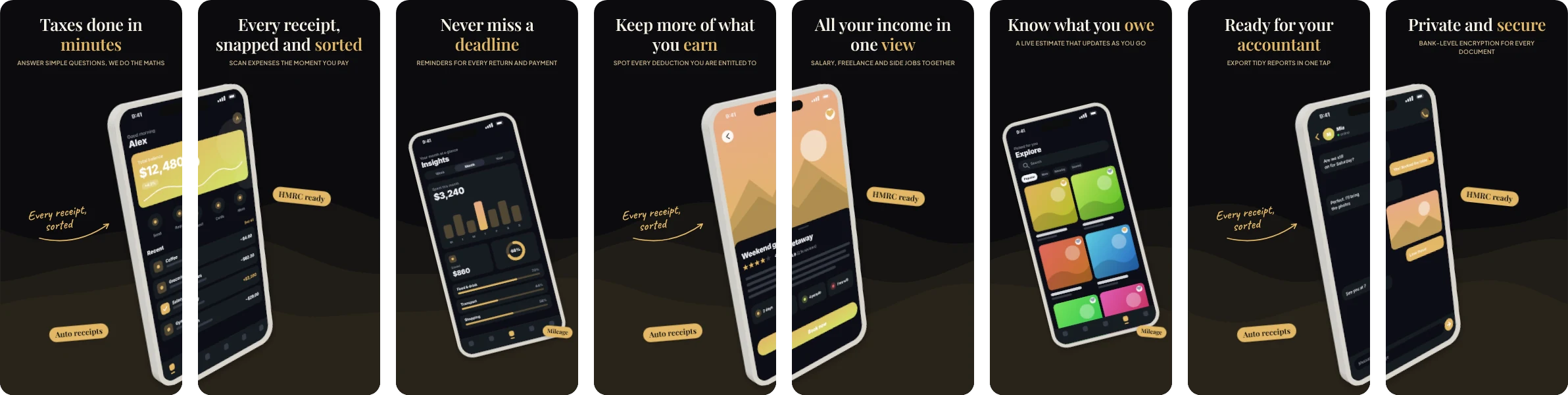
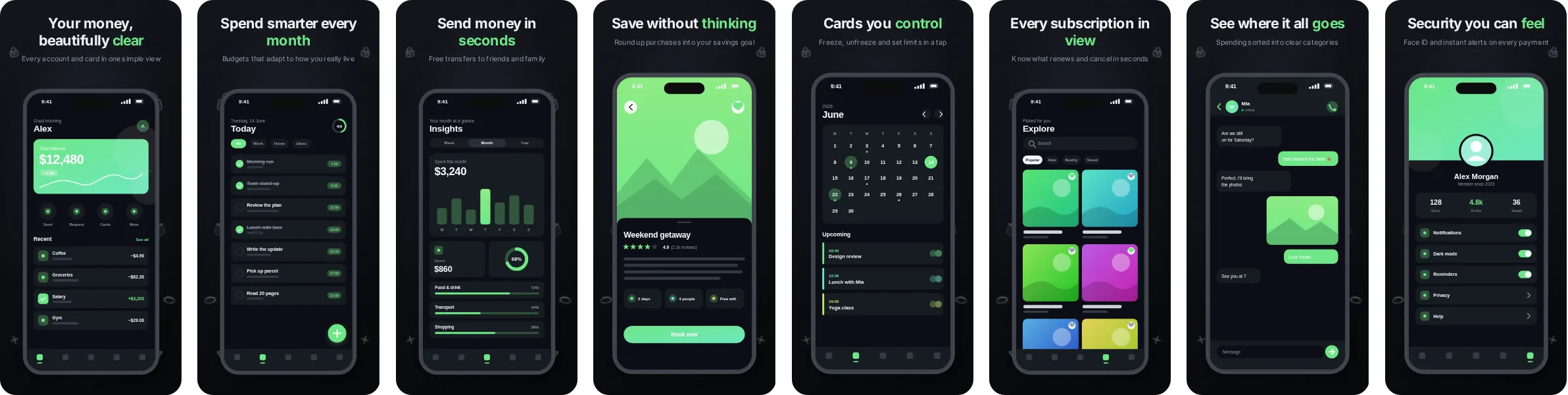
Growth is a Panorama template: a dark design where one large phone crosses the edge between two slides, so the pair reads as a single wide picture as people scroll through your store listing. Green is the accent colour for headlines and call-outs.
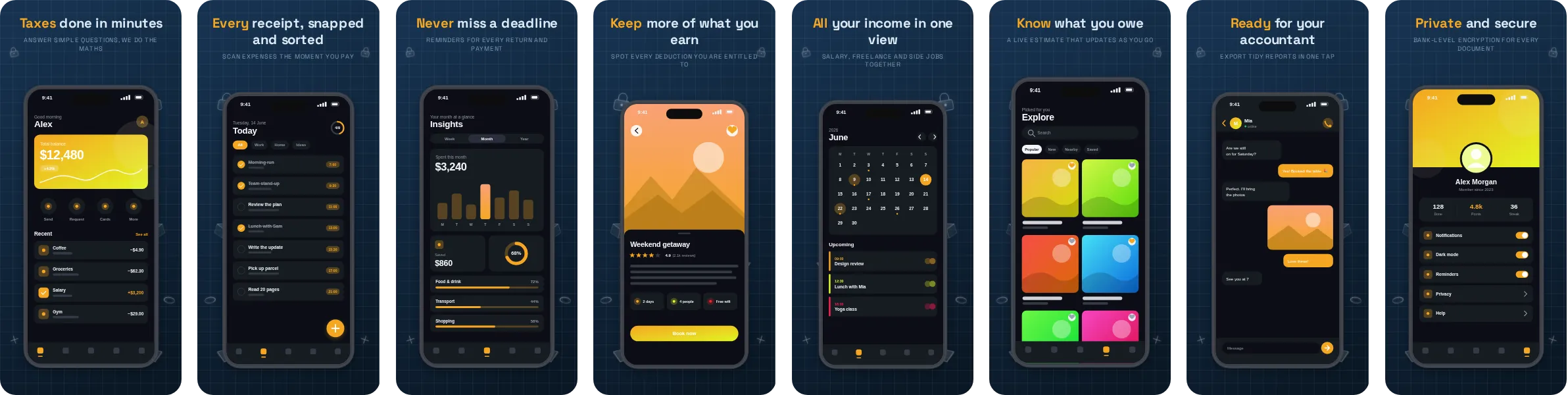
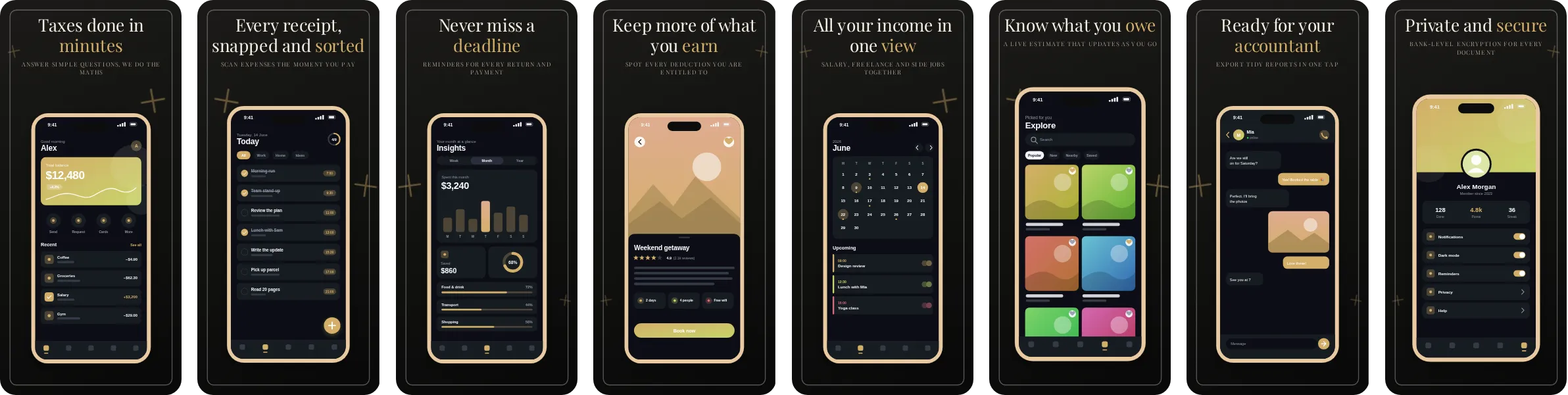
Typography comes from Space Grotesk, a contemporary sans that stays sharp at small sizes. Add your screenshots and the set builds itself: a spread where one phone spans two slides, then single slides, then another spread. Rewrite any headline and change any colour in the editor.
If you build money, banking and budgeting apps, Growth gives balances, charts and transactions room to breathe across a wide spread and supports a message about trust and clarity. Open it in Screentrino to see your own screens in it.
How a Panorama set works
In Growth, the phone from one slide continues into the next, and the background is drawn across both slides so the join disappears. The store still shows them as separate screenshots, but side by side in the listing they read as one wide picture, which is why Panorama suits the first two slides.
You do not draw anything by hand. Add your screenshots and Growth places the spreads for you; you can still join or split any pair yourself in the editor.